Cometa Neón
One tap. Zero excuses.
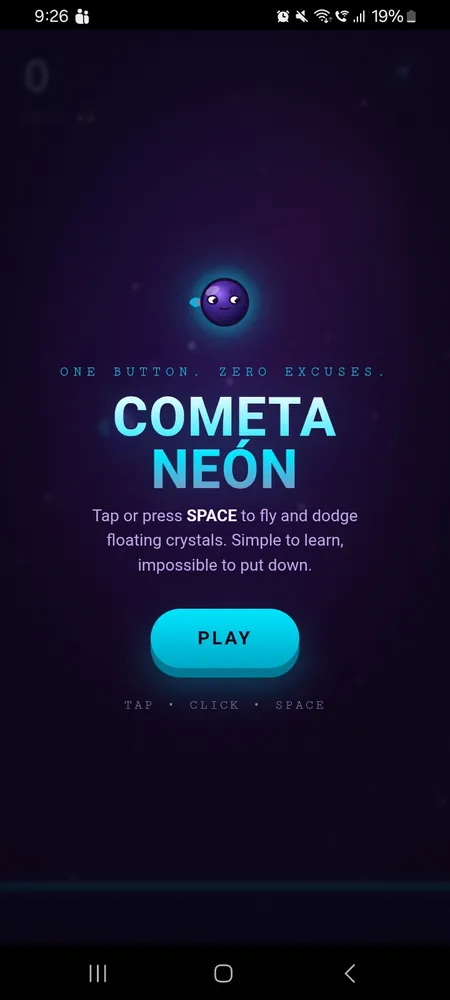
Dodge floating crystals in a neon space field. One-button arcade action with combo scoring, graze bonuses, and increasing difficulty. Simple to learn, impossible to put down.
Game Features
Designed for addiction — short sessions, instant feedback
One-Button Play
Tap or press SPACE to fly. Learn in 5 seconds, master in never. Pure arcade simplicity.
Crystal Field
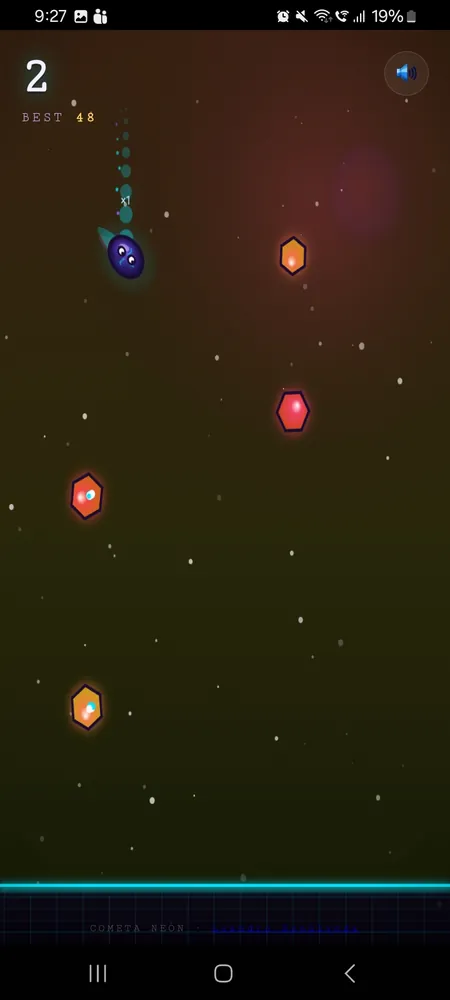
Dodge individual hexagonal crystals — not pipes. Every run is a unique pattern.
Combo System
Pass crystals consecutively to build combo multipliers. ×2, ×3, ×4 — higher risk, higher reward.
Graze Bonus
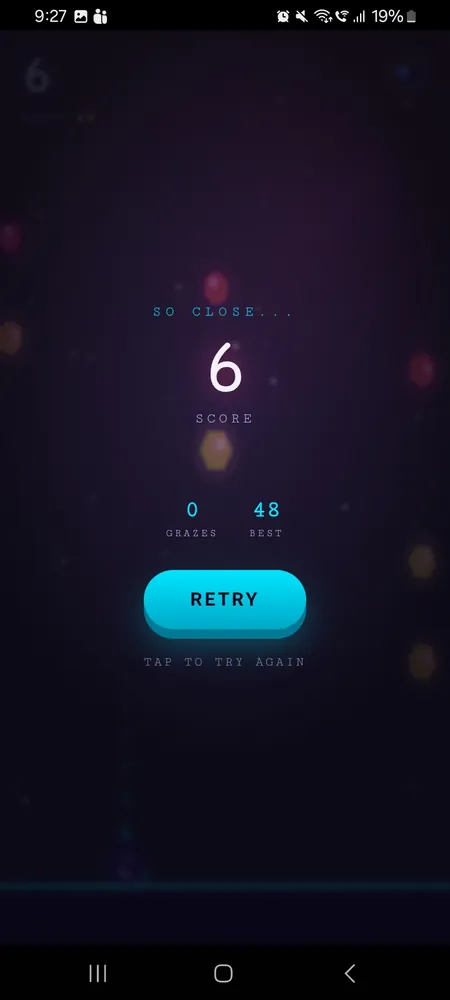
Fly close to crystals for "GRAZE!" bonus points. Risk vs reward at its finest.
Golden Crystals
Rare golden shards are worth 3× points. Grab them to boost your score.
9 Languages
Auto-detects your device language. EN, ES, PT, FR, DE, IT, JA, KO, ZH — everyone can play.
Why Cometa Neón?
Precision Arcade
Floating hexagonal crystals, a comet character, combo scoring, and graze bonuses. Every run is a unique pattern to master.
Neon Aesthetic
Cyan and pink neon visuals with shifting nebula backgrounds, particle effects, screen shake, and a dual-layer comet tail. Every moment is a visual treat.
Works Offline
Zero ads, zero tracking, zero internet required. Open the game anywhere and play. No accounts, no permissions, no nonsense.
Progressive Difficulty
The field gets denser and faster as you score. More crystals, tighter patterns, higher speeds — the challenge never stops scaling.
Tech Specs
Download Cometa Neón
Free. No ads. No tracking. 9 languages. Install and play instantly.
Download APKAndroid 8.0+ • ~4 MB • Sideload enabled
How to Install
Download APK
Tap the download button above to get the APK file on your phone.
Enable Unknown Apps
Go to Settings > Security > Install unknown apps and allow your file manager.
Install & Play
Open the downloaded APK and install. No permissions needed — just play.